How to Create a Cartoon Character and Keep It Consistent
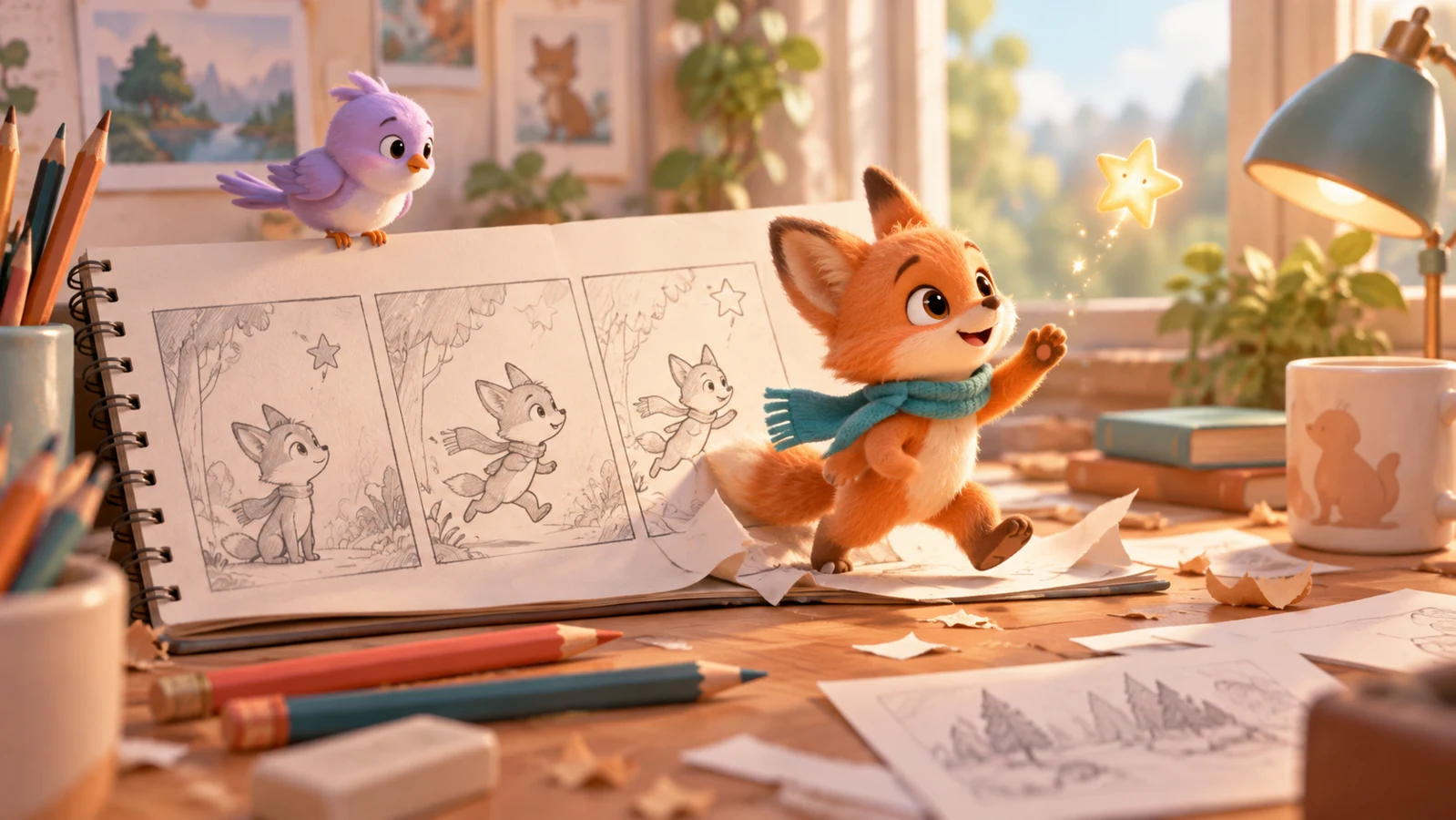
Your character should be recognizable in the first shot and in the next episode. Start with a short character sheet, choose a reference image and separate the permanent appearance from each scene’s action.
Start with a role in the story
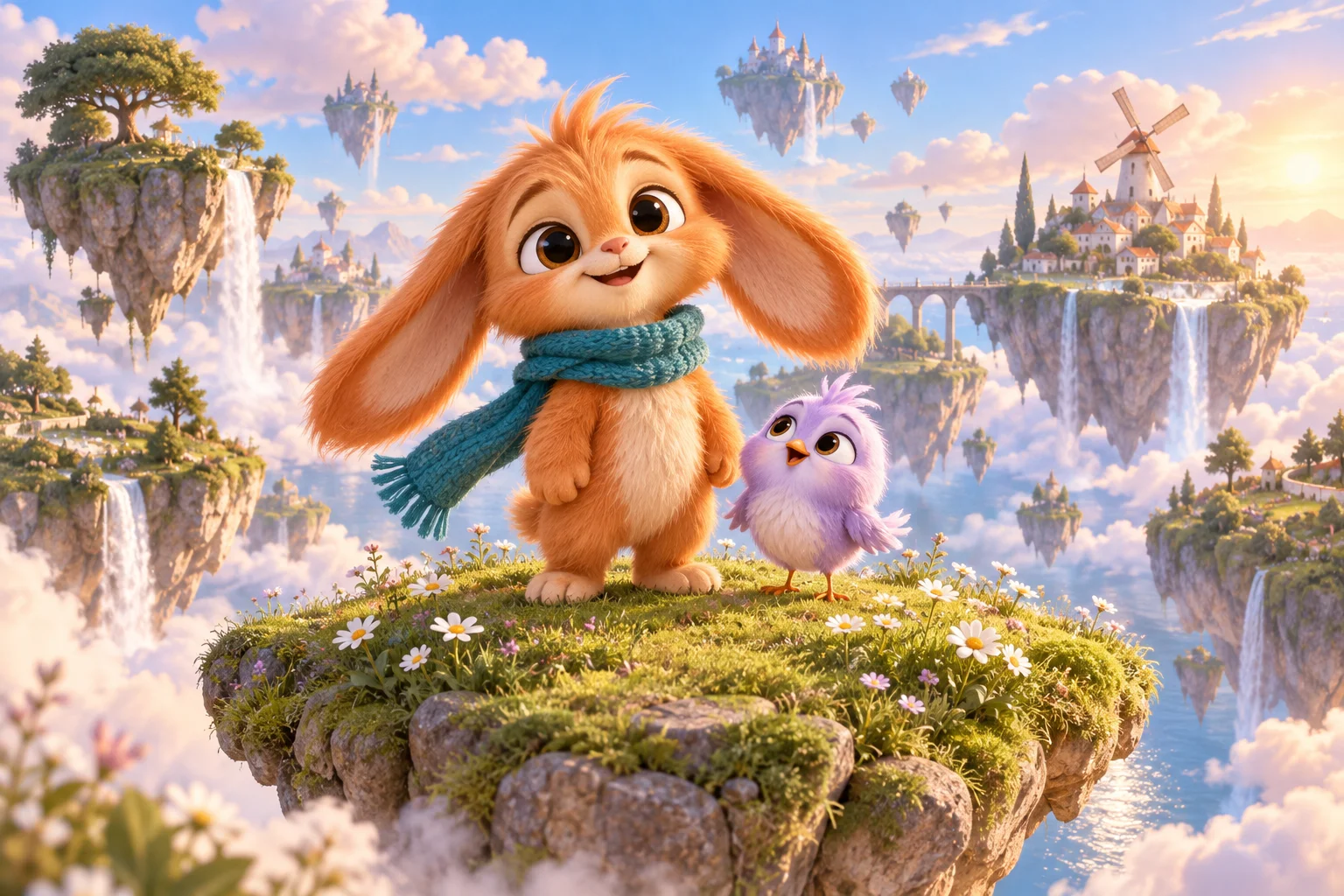
Before using an AI character generator, decide what your character wants and how they act. A curious fox who helps friends and a cautious fox who fears leaving home might look similar, but behave differently.
Write one goal, one strength and one weakness. Rusty wants to explore the forest, notices unusual details and sometimes jumps to conclusions. These points help you invent actions and dialogue as well as a portrait.
1. Write a character sheet
Record the species, proportions, main colors, clothing and one distinctive feature. Focus on what must repeat. Tiny decorations add things to check and may disappear or change in later frames.
Keep one authoritative description. Do not call the same hero an orange fox with a blue scarf in one scene and a brown fox in a pale blue cape in another. Reuse the base appearance and add the scene’s action separately.
A sample character sheet
The sheet describes the character. Standing by a window or holding a lantern belongs to a particular shot and should not become a permanent appearance requirement.
2. Choose a clear reference
A useful reference shows the whole character without objects blocking the body, against a simple background. Check the face, clothing and silhouette before using the image in other scenes.
Compare extra angles with the main reference. A side view should not silently change the nose length, ear shape or scarf color. Save compatible references and the character sheet together in Pipa’s character library.
3. Separate fixed and changing details
Fixed details identify the hero: face, proportions, colors and clothing. Changing details include pose, emotion, a held object, location and lighting. Change the second group while checking the first.
A scene brief might read: “Rusty from the saved reference stands by a forest stream, holding a small lantern and looking at the water in surprise. Keep the blue scarf and white tail tip. Medium shot, evening light.” This connects the character to an action while retaining key features.
4. Check the character before animation
Compare the new frame with the reference. Check the face and silhouette first, then clothing, colors and accessories. If the hero has already changed in the still frame, correct the image before generating movement.
A reference helps define appearance but does not guarantee an exact match. Save successful versions so you can return to them. When fixing the scarf, avoid also changing the style, angle and lighting: it becomes harder to tell what helped.
5. Keep the voice and personality
Recognition also comes from sound and behavior. Choose a voice and speech pattern. One character might use short, confident sentences; another might speak carefully and ask questions. Record those rules and use them in the dialogue.
Check name pronunciation and pacing. Avoid a new speaking style in every episode without a story reason. Emotions can still change: fear, joy and surprise should feel like reactions from the same character.
Consistency checks between scenes
- The silhouette, head size and leg length match the reference.
- Eyes, ears and muzzle remain recognizable.
- Main colors and distinctive features are preserved.
- Clothing changes only when the story calls for it.
- Objects carry over when the character is still holding them.
- The voice and speech pattern fit the character sheet.
Common questions
How many references do I need? Begin with one clear image. Add angles when needed, checking that each shows the same character. Conflicting images can make the brief harder to follow.
Can I change the outfit? Yes, when the story requires it. Save it as a separate look and name it in the relevant scenes. The face, proportions and other fixed features should connect both looks.
How do I prepare for another episode? Save the sheet, chosen images and voice in the library. Reuse that profile in the next project and add new actions. You can begin with an appearance you have already approved.